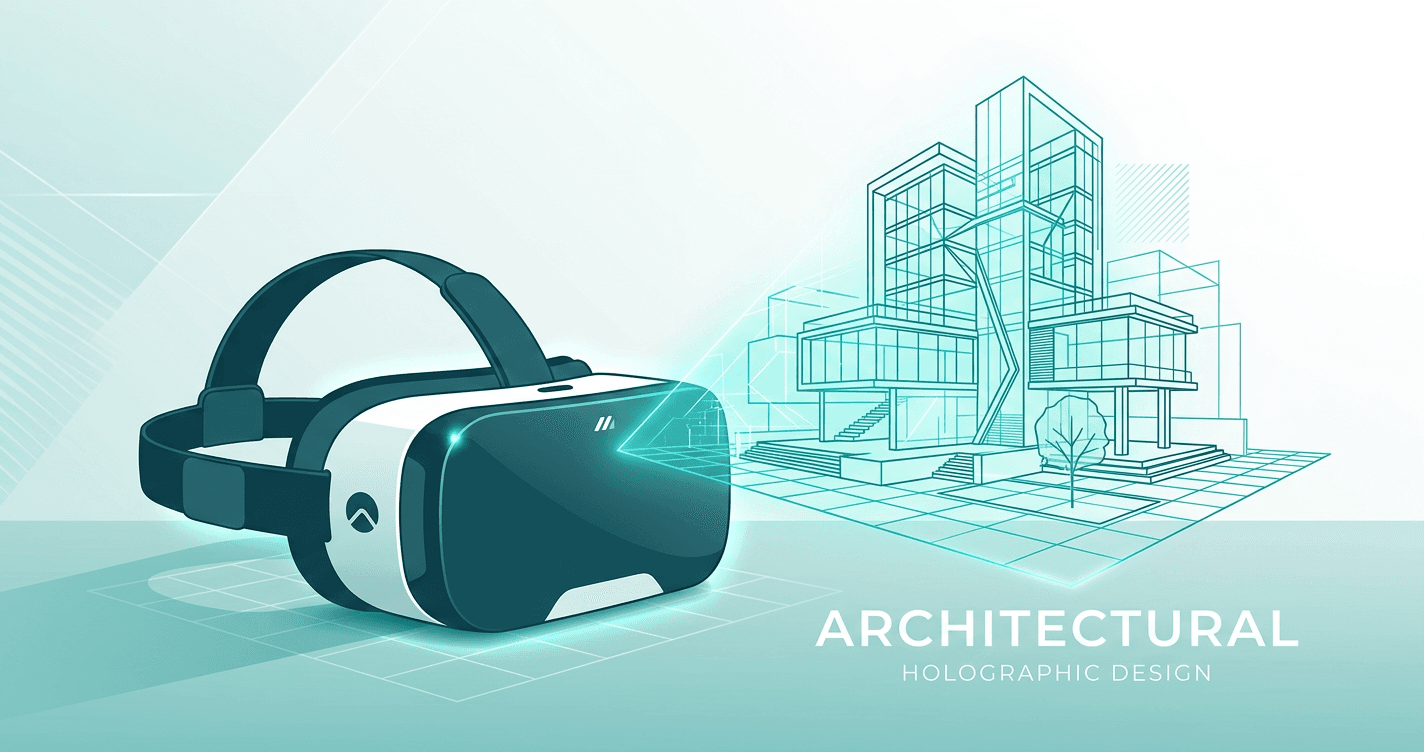
Getting Started with VR Architecture: A Beginner's Guide
New to VR for architecture? This beginner-friendly guide covers everything you need to know to start creating immersive presentations.
Whether you're new to VR or looking to optimize your existing workflow, this guide covers everything you need to know to apply vr for architects beginner effectively in your architecture practice.
Why vr for architects beginner Matters for Architects
Traditional 2D presentations have limitations:
- Spatial confusion: Clients struggle to visualize the final space
- Design changes: Miscommunication leads to costly revisions
- Lost projects: Competitors with better presentations win
VR solves these problems:
- Clients experience the design before construction
- Better communication means fewer changes
- More engaging presentations win more projects
Studies show that 73% of clients can't accurately visualize spaces from 2D plans alone. VR bridges that gap.
What You'll Need
What you'll need:
- Basic understanding of VR concepts
- Willingness to try a new presentation approach
- 15-20 minutes to get started
No special hardware required — everything works in web browsers.
Complete Step-by-Step Walkthrough
Practical Steps to Get Started
- Learn the basics (you're doing this now!)
- Try it on a past project — convert existing renders
- Test with a friendly client — get feedback
- Refine your workflow — find what works for your practice
- Make it standard — incorporate into regular process
The learning curve is gentler than you think.
Pro Tips
- Plan your viewpoints — Choose 8-12 key spaces for complete walkthroughs
- Use high resolution — 8K panoramas ensure crisp VR quality
- Test the flow — Walk through yourself before sharing with clients
- Provide guidance — Send a quick video showing how to navigate
- Follow up — Ask for feedback and offer to add more views
For best results:
- Export at eye level height
- Include outdoor views and context
- Keep lighting consistent across panoramas
- Place hotspots at natural transition points
Troubleshooting Common Issues
Panoramas Look Distorted
Solution: Verify format is equirectangular (not cubemap) and aspect ratio is exactly 2:1.
Hotspots Not Appearing
Solution: Ensure destination panorama is selected. Refresh the editor if needed.
Low Image Quality in VR
Solution: Re-export at 8K resolution with high quality settings (90%+ JPEG or PNG).
Client Can't Open Link
Solution: Check the link copied completely. Try different browser. Works on Chrome, Safari, Firefox.
Real-World Results
Architects who have adopted VR presentations consistently report measurable improvements:
Reduced revision cycles: "We used to average 3-4 rounds of revisions per project. After switching to VR presentations, it dropped to 1-2. Clients understand the design immediately and make better decisions upfront." — Sarah Chen, Principal Architect
Higher win rates: Firms using VR in client pitches report 20-30% higher project win rates compared to traditional presentations. When you're competing for a project, better presentations win.
Time savings: The time spent creating VR walkthroughs (10-15 minutes) is recovered many times over by eliminating clarification meetings, reducing revision rounds, and faster approvals.
Client satisfaction: Post-project surveys show that clients who experienced VR presentations rate their satisfaction 40% higher than those who saw only traditional presentations.
Unexpected benefit: Many architects report that creating VR walkthroughs helps them catch design issues early — seeing the space from eye level reveals problems that aren't obvious in plan view.
Conclusion
You now have a complete understanding of how to getting started with vr architecture: a beginner's guide. This workflow is proven, practical, and doesn't require weeks of learning or expensive hardware.
The numbers speak for themselves:
- 40% fewer design revisions (better client understanding upfront)
- 3x higher engagement in presentations (clients are excited, not confused)
- 20% faster approvals (confident clients make faster decisions)
The investment in VR presentation tools pays for itself after winning just one additional project — or avoiding one major revision cycle.
Most importantly: VR isn't the future of architectural presentations. It's the present. Clients increasingly expect it, and competitors are adopting it. The question isn't "Should we use VR?" — it's "When do we start?"
The answer: today.
Book a Call
Ready to transform your architectural visualizations into immersive VR experiences? Book a call with our team to see how Ooyoun can work for your projects.
Next Steps
- Review your existing project workflow
- Plan your first VR walkthrough (identify 8-12 key viewpoints)
- Contact our team to discuss your specific needs
Related Guides
More guides coming soon. Contact us for personalized guidance.
Have questions about vr for architects beginner? Book a call or email [email protected]