Blog
Insights on VR architecture, immersive design, and AEC technology.

Lumion to VR: How to Export and Share Your Architectural Visualizations in 360
Architectural visualization has a problem: Your Lumion render looks stunning on screen, but when you share it with a client, something gets lost. A single perspective view doesn't capture the scale of a space, the flow between rooms, or how light changes as you move through the design. Your client sees a pretty picture. They don't feel the space. That's where VR comes in. And yes, you can do it with the renders you're already creating in Lumion. Why Architects Are Moving Beyond Static Renders

Space Planning Principles for Interior Design: How VR Changes Client Buy-In
Interior design begins with space planning. How furniture is arranged, how traffic flows, how light enters a room, and how materials interact all depend on thoughtful spatial planning. Yet many clients struggle to visualize these principles from 2D floor plans and flat renderings. They might nod at your mood boards and material samples, but they don't truly "see" the space until they walk into it. By then, it's often too late to adjust. Immersive VR walkthroughs solve this problem by letting cl

How to Prepare Your Interior Design Project for VR: A Material and Lighting Guide
When you're ready to share an interior design with clients or stakeholders in VR, the technical quality of your panoramic renders is only half the battle. The other half is preparation: ensuring your materials, lighting, and spatial details look stunning and communicate the design intent clearly in an immersive 360-degree environment. In this guide, we'll walk through the material and lighting decisions that make the difference between a flat render and a walkthrough that makes clients say yes.

Enscape to VR: How to Turn Your Panoramic Renders into Immersive Client Walkthroughs
You have spent hours fine-tuning materials, perfecting lighting, and crafting a design that tells a story. Enscape gives you a gorgeous real-time render. But when you share that render with a client as a flat image on a screen, something gets lost. The scale of the double-height living room, the way natural light floods through the clerestory windows, the spatial relationship between the kitchen island and the dining area: none of that translates through a 2D screenshot. What if your client coul
How to Reduce Revision Rounds Through Better Design Communication
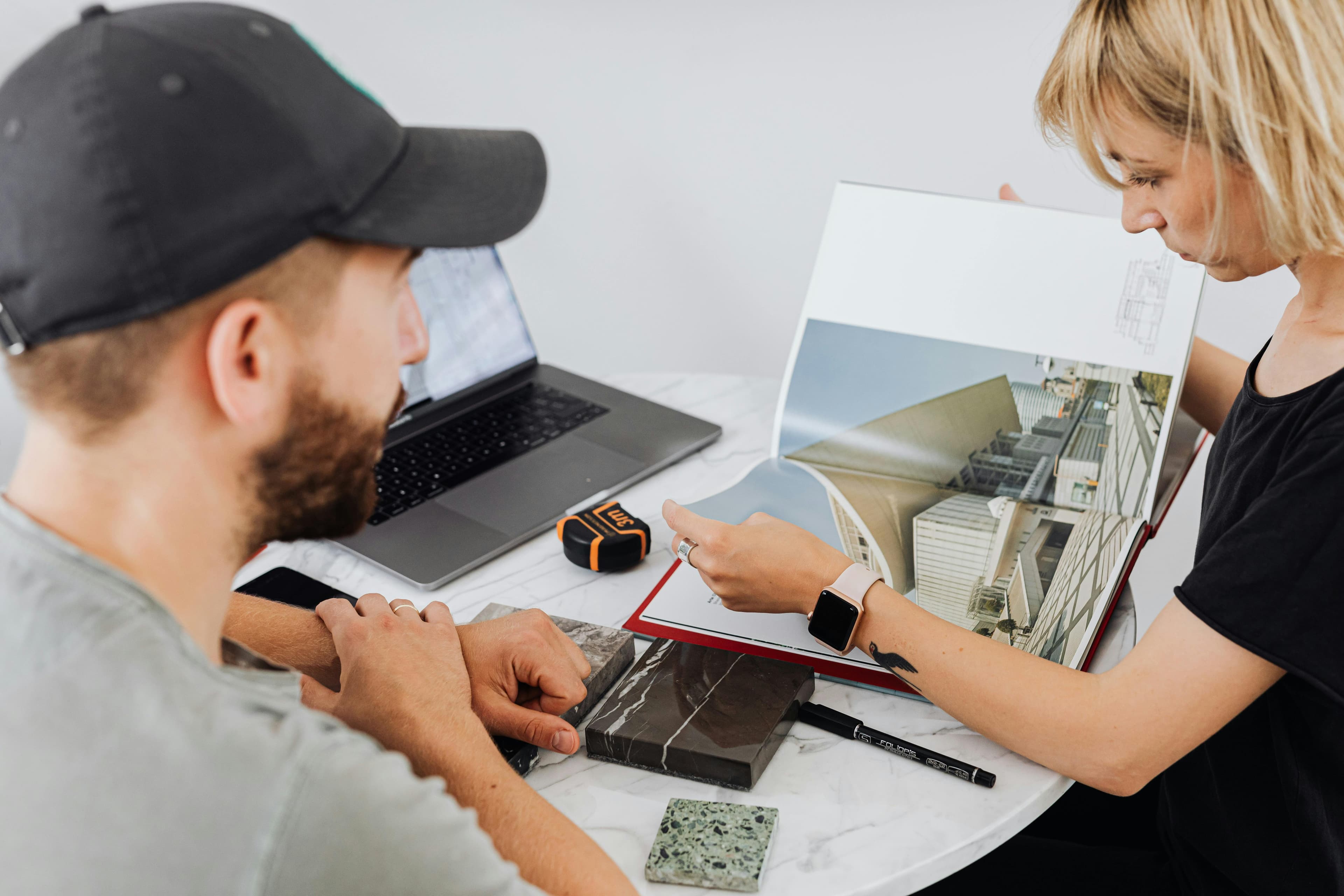
You have spent weeks perfecting a residential design. The materials are carefully selected, the lighting is balanced, the spatial flow feels effortless. You send the renders to your client, confident in the result. Two days later, the feedback arrives: "Can we move the kitchen island? Also, the living room feels small." You know the living room is generous. But your client is judging a 3D space from a flat image on their phone screen. And so begins another revision cycle. This scenario plays ou

Twinmotion to VR: How to Turn Your Panoramic Renders into Immersive Client Walkthroughs
You have spent hours perfecting materials, lighting, and camera angles in Twinmotion. The final render looks stunning on your screen. But when you send it to the client as a flat image, they squint at the PDF and ask, "Can you make the kitchen feel bigger?" They cannot feel the space. They cannot look around. They are judging a three-dimensional experience from a two-dimensional snapshot. What if you could drop that client inside the design instead? Twinmotion already exports equirectangular pa

Virtual Walkthroughs vs. Rendered Images vs. Physical Models: Which Wins Client Buy-In?
You have spent weeks perfecting a residential design. The floor plan flows beautifully, the material palette is cohesive, and the lighting scheme creates exactly the atmosphere your client described. Now comes the moment that determines whether this project moves forward or spirals into endless revisions: the client presentation. The method you choose to present your design has a direct impact on how well your client understands it, how confident they feel approving it, and how many revision ro

Blender to VR: How to Create Immersive Architectural Walkthroughs from Your Renders
You have spent hours perfecting materials, tweaking lighting, and composing the perfect camera angle in Blender. The final render looks stunning — on a flat screen. But when you send it to your client, they squint at it, ask you to rotate the view, and then request three more angles. Sound familiar? There is a better way. By exporting equirectangular panoramas from Blender and turning them into VR walkthroughs, you can let clients physically step inside your designs. No app installs. No expensi
How to Run a Remote Design Review Using VR Presenter Mode
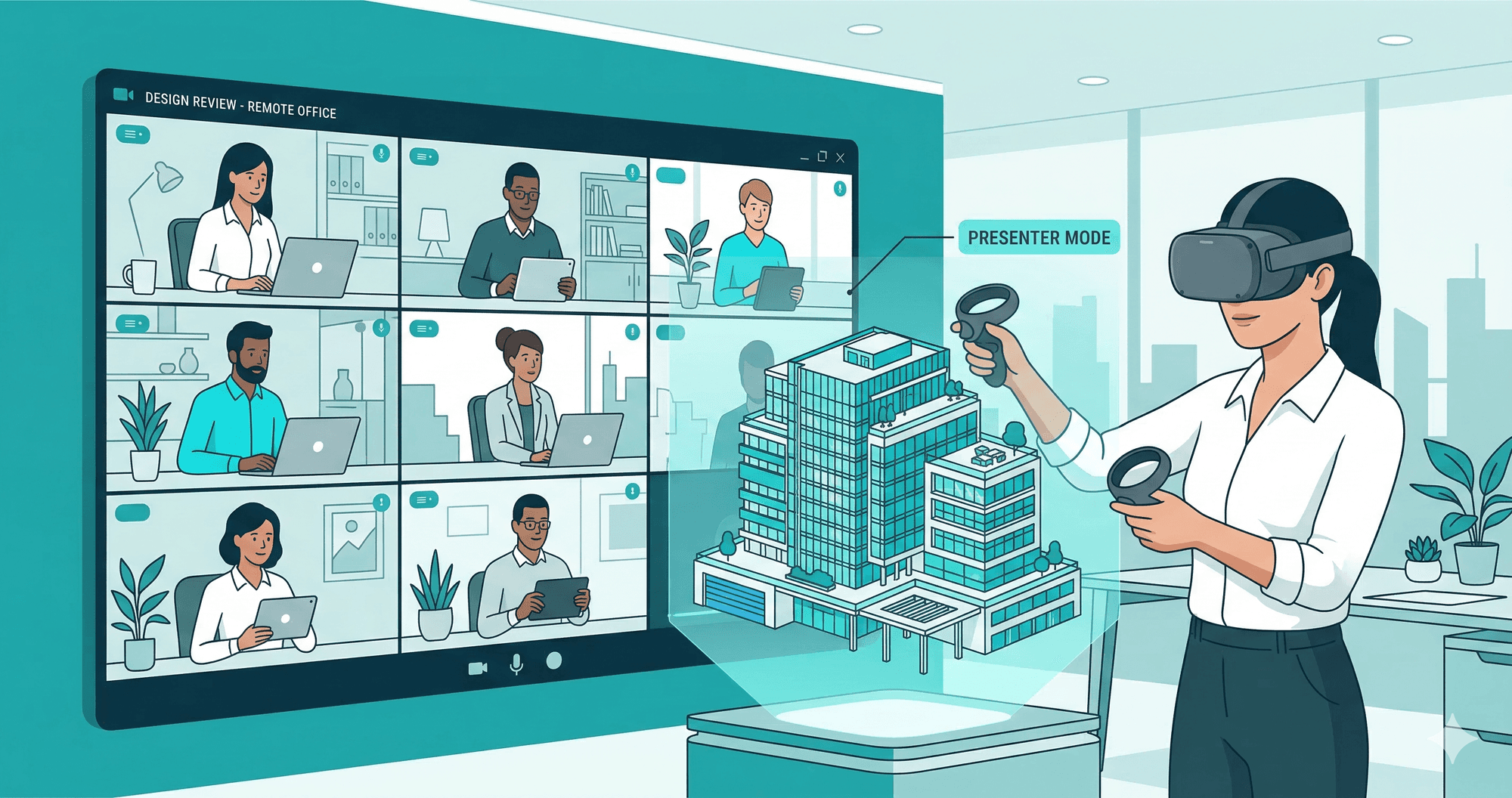
You've spent weeks perfecting a residential interior — the material palette is exactly right, the lighting tells the story, every sightline is intentional. Now it's time to present. But your client is in another city, and a screen-share of flat renders won't convey the spatial experience you've designed. This is exactly where remote VR design reviews change the game. With Presenter Mode in Ooyoun, you can guide a client through your design in real-time virtual reality — even if they're thousand
Getting Started with VR Architecture: A Beginner's Guide
New to VR for architecture? This beginner-friendly guide covers everything you need to know to start creating immersive presentations.
Why Architects Are Switching to VR Client Presentations
Discover why leading architecture firms are adopting VR for client presentations and seeing 40% fewer design revisions.

How to Reduce Design Revision Rounds With Better Client Communication
You've spent three weeks refining every material, every lighting angle, every furniture placement. You send the renders. The client replies: "Can we see it from the other side?" Then: "What would it look like with darker floors?" Then: "Actually, can we go back to the first version?" Sound familiar? Excessive revision rounds are one of the most expensive problems in architectural practice — not because clients are difficult, but because the way we communicate design intent leaves too much room f
D5 Render to VR: Complete Export Guide
Export panoramic renders from D5 and create stunning VR walkthroughs in minutes.
Twinmotion VR Export: The Complete Guide
Export Twinmotion panoramas and create browser-based VR experiences your clients can view on any device.
Lumion to VR: Create Walkthroughs in 5 Minutes
Step-by-step guide to transform Lumion panoramic renders into interactive VR walkthroughs.
How to Turn V-Ray Renders into VR Walkthroughs
Learn how to convert V-Ray renders into immersive VR experiences in minutes. No plugins required.
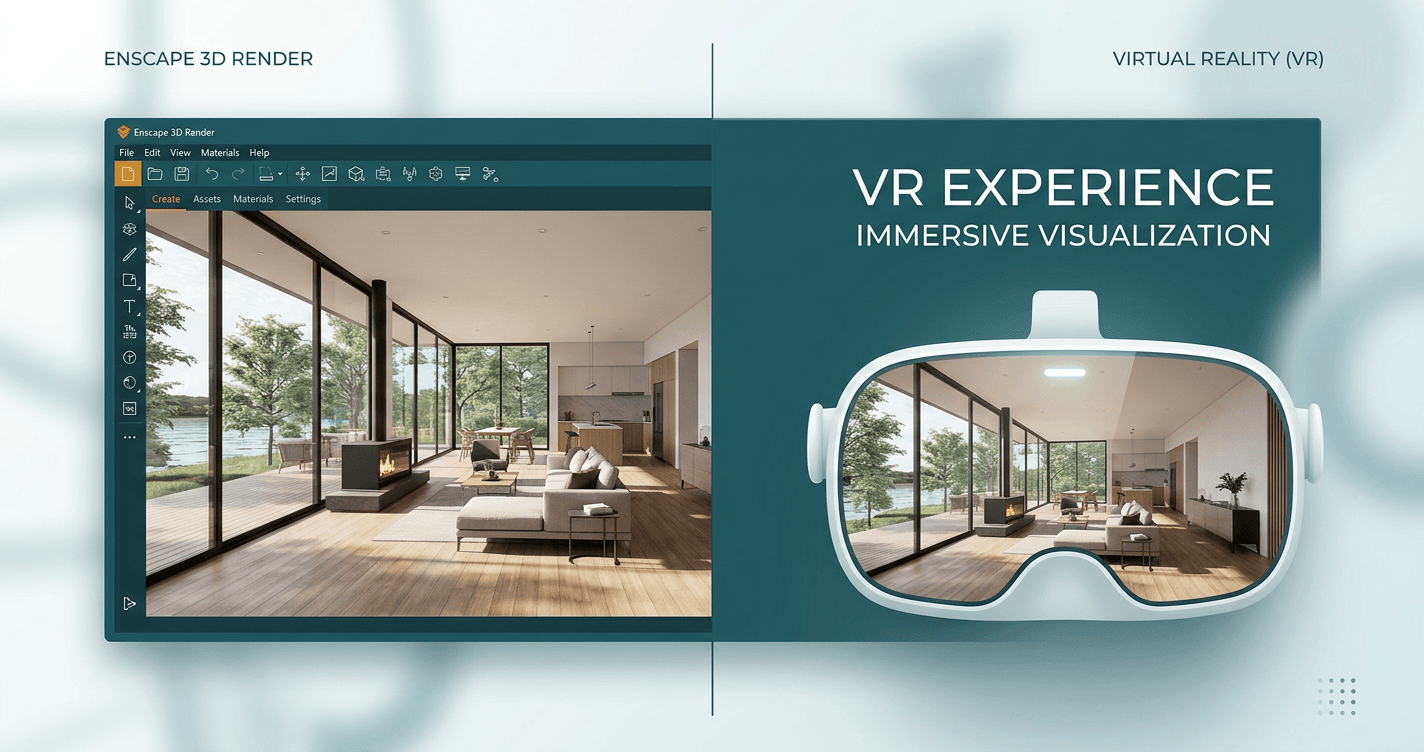
How to Turn Enscape Renders into VR Walkthroughs in Under 10 Minutes
Converting Enscape renders into immersive VR walkthroughs takes less than 10 minutes. No complex setup, no expensive plugins, no technical expertise required. Why VR Walkthroughs Matter Traditional 2D presentations have clear limitations: * Clients struggle to visualize spatial relationships from flat images * Miscommunication leads to costly construction revisions * Competitors using VR have a competitive advantage Industry surveys show 73% of clients can't accurately visualize spaces f
Introducing Ooyoun: See Your Buildings Before They Exist
The Problem Nobody Talks About There's a dirty secret in construction: most clients don't understand what they're approving. They sit in a meeting room. An architect pulls up renders — beautiful, polished images of a building that doesn't exist yet. The client nods. Signs off. Everyone moves forward. Then, months later, the client walks into the actual space. The ceiling feels lower than they imagined. The corridor is narrower. The lobby doesn't have the presence they expected. And now, chang