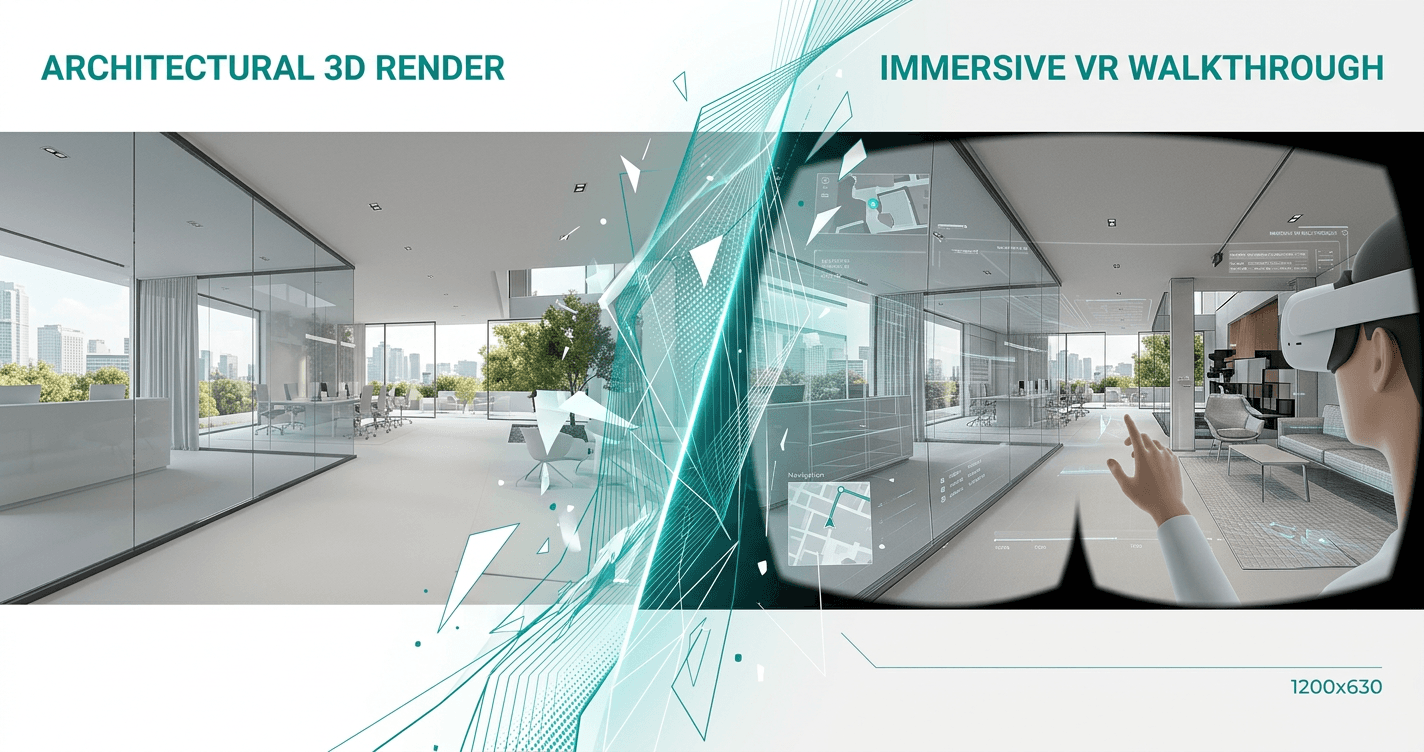
How to Turn V-Ray Renders into VR Walkthroughs
Transform your V-Ray panoramic renders into browser-based VR walkthroughs in minutes. No expensive plugins or complex setup required.
Why V-Ray to VR Matters
Traditional 2D presentations create communication gaps:
- Clients struggle to visualize spatial relationships
- Miscommunication causes costly revisions
- Weak presentations lose projects to competitors
VR solves this. Studies show 73% of clients can't accurately visualize spaces from 2D plans. VR lets them experience the design before construction begins.
Quick Setup
What you need:
- V-Ray
- Your 3D model
- Ooyoun account
Step-by-Step Guide
1. Export Panoramic Renders
- Open your model in V-Ray
- Set up viewpoints at key locations
- Export as equirectangular panoramas
- Resolution: 8192 x 4096 (8K)
- Camera height: 1.6m (eye level)
Save to a dedicated project folder with descriptive names.
2. Upload to Ooyoun
- Go to ooyoun.com
- Create new project
- Drag and drop panorama images
- Wait for processing (30-60 seconds per image)
3. Connect Spaces with Hotspots
- Click first panorama
- Add navigation hotspots at doorways
- Link to destination panoramas
- Create logical walking path
Hotspot tips:
- Place at natural transition points
- Make navigation bidirectional
- Limit to 3-5 per space
- Test flow before sharing
4. Publish and Share
- Click Publish
- Copy generated link
- Share with clients
No app installation required for viewers. Works on desktop, mobile, and VR headsets.
Best Practices
- Export at consistent eye level height
- Include outdoor views for context
- Keep lighting uniform across panoramas
- Place hotspots at doorways and transitions
- Test walkthrough before sharing
Troubleshooting
Panoramas distorted: Verify equirectangular format and 2:1 aspect ratio
Low quality in VR: Re-export at 8K resolution with 90%+ quality
Hotspots missing: Ensure destination is selected; refresh editor
Link won't open: Check full link was copied; try Chrome/Safari/Firefox
Impact on Your Practice
Architects using VR presentations report:
- 40% fewer design revisions
- 3x higher client engagement
- 20% faster project approvals
The workflow takes less than 10 minutes but dramatically improves client communication.
Book a Call
Ready to transform your V-Ray renders into VR walkthroughs? Book a call with our team to see how Ooyoun can work for your projects.
Next Steps
- Review your existing V-Ray panoramas
- Plan viewpoints for your next project (8-12 recommended)
- Contact us to discuss your needs
Related Guides
More guides coming soon. Contact us for personalized guidance.
Questions? Book a call or email [email protected]