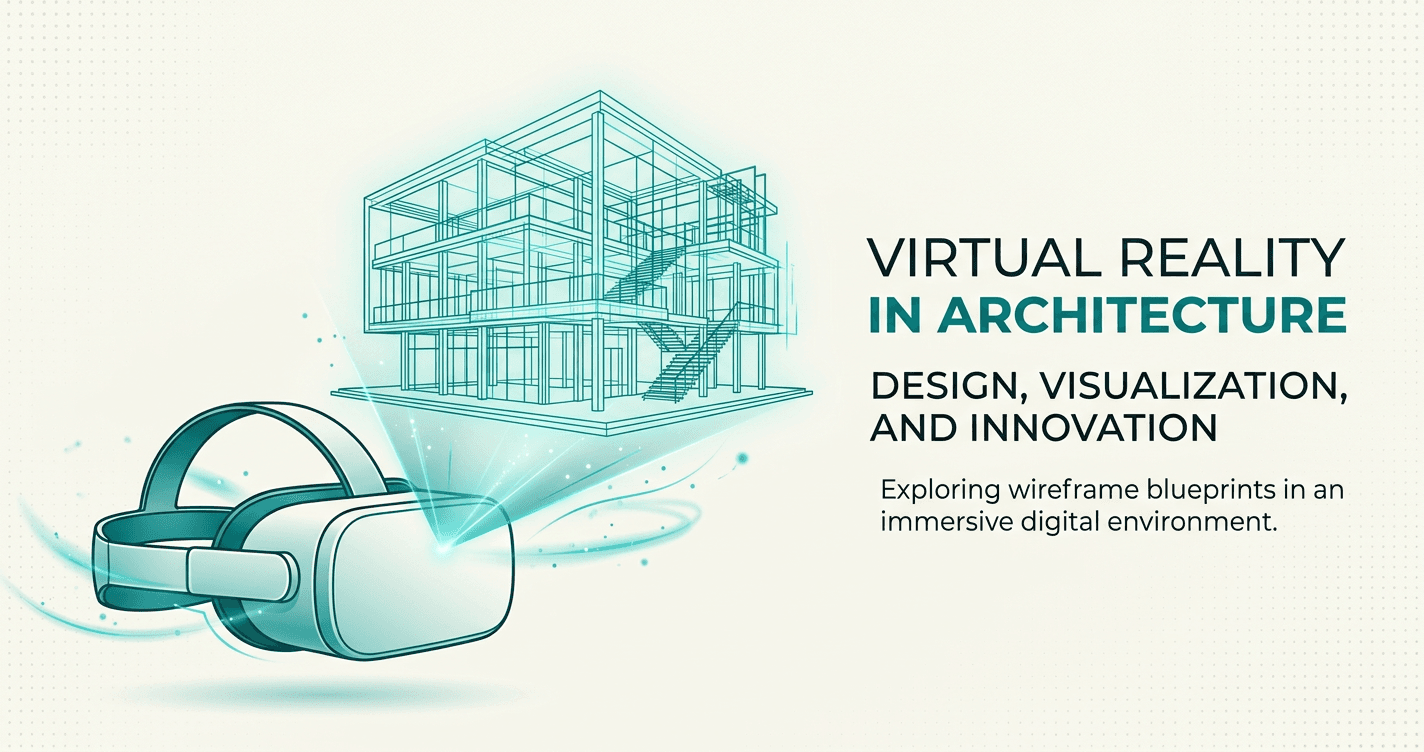
Why Architects Are Switching to VR Client Presentations
Discover why leading architecture firms are adopting VR for client presentations and seeing 40% fewer design revisions.
In the architecture industry, the presentation is often as important as the design itself. You can have the most innovative solution, but if clients can't visualize it, they won't approve it.
This is why forward-thinking architecture firms are adopting VR for client presentations. Not because it's trendy, but because it solves real problems that cost time, money, and sometimes entire projects.
In this article, we'll dive deep into the specific benefits, real-world results from firms already using VR, and practical advice for implementing VR presentations in your own practice.
Why VR client presentations architects Matters for Architects
Traditional 2D presentations have limitations:
- Spatial confusion: Clients struggle to visualize the final space
- Design changes: Miscommunication leads to costly revisions
- Lost projects: Competitors with better presentations win
VR solves these problems:
- Clients experience the design before construction
- Better communication means fewer changes
- More engaging presentations win more projects
Studies show that 73% of clients can't accurately visualize spaces from 2D plans alone. VR bridges that gap.
Complete Step-by-Step Walkthrough
How Forward-Thinking Firms Are Implementing VR
Let's look at practical implementation strategies from firms already using VR successfully.
Strategy 1: Start Small Don't try to VR-ify every project immediately. Start with:
- High-value clients (where presentations matter most)
- Complex spatial designs (where VR adds the most value)
- Competitive bids (where you need differentiation)
Strategy 2: Make It Part of Your Process Once you're comfortable, integrate VR into standard workflow:
- Create VR walkthrough during design development
- Use it internally for design reviews
- Present to clients at milestone meetings
- Update as design evolves
Strategy 3: Train Your Team The workflow is simple, but someone needs to own it:
- Designate a "VR champion" who creates first few walkthroughs
- Document your firm's specific workflow
- Train others as VR becomes standard
- Share best practices across projects
Common implementation questions:
Q: When in the design process should we create VR walkthroughs? A: Most firms find two optimal times: (1) Design Development stage for internal review and early client feedback, (2) Final presentation before construction documents.
Q: Do we need VR for every project? A: No. Focus on projects where spatial understanding is critical or where clients struggle with traditional presentations.
Q: What if clients don't have VR headsets? A: They don't need them. Browser-based viewing works perfectly for 95% of clients. VR headsets enhance the experience but aren't required.
Pro Tips
- Plan your viewpoints — Choose 8-12 key spaces for complete walkthroughs
- Use high resolution — 8K panoramas ensure crisp VR quality
- Test the flow — Walk through yourself before sharing with clients
- Provide guidance — Send a quick video showing how to navigate
- Follow up — Ask for feedback and offer to add more views
For best results:
- Export at eye level height
- Include outdoor views and context
- Keep lighting consistent across panoramas
- Place hotspots at natural transition points
Real-World Results
Architects who have adopted VR presentations consistently report measurable improvements:
Reduced revision cycles: "We used to average 3-4 rounds of revisions per project. After switching to VR presentations, it dropped to 1-2. Clients understand the design immediately and make better decisions upfront." — Sarah Chen, Principal Architect
Higher win rates: Firms using VR in client pitches report 20-30% higher project win rates compared to traditional presentations. When you're competing for a project, better presentations win.
Time savings: The time spent creating VR walkthroughs (10-15 minutes) is recovered many times over by eliminating clarification meetings, reducing revision rounds, and faster approvals.
Client satisfaction: Post-project surveys show that clients who experienced VR presentations rate their satisfaction 40% higher than those who saw only traditional presentations.
Unexpected benefit: Many architects report that creating VR walkthroughs helps them catch design issues early — seeing the space from eye level reveals problems that aren't obvious in plan view.
Conclusion
You now have a complete understanding of how to why architects are switching to VR client presentations. This workflow is proven, practical, and doesn't require weeks of learning or expensive hardware.
The numbers speak for themselves:
- 40% fewer design revisions (better client understanding upfront)
- 3x higher engagement in presentations (clients are excited, not confused)
- 20% faster approvals (confident clients make faster decisions)
The investment in VR presentation tools pays for itself after winning just one additional project — or avoiding one major revision cycle.
Most importantly: VR isn't the future of architectural presentations. It's the present. Clients increasingly expect it, and competitors are adopting it. The question isn't "Should we use VR?" — it's "When do we start?"
The answer: today.
Book a Call
Ready to transform your architectural visualizations into immersive VR experiences? Book a call with our team to see how Ooyoun can work for your projects.
Next Steps
- Review your existing project workflow
- Plan your first VR walkthrough (identify 8-12 key viewpoints)
- Contact our team to discuss your specific needs
Related Guides
More guides coming soon. Contact us for personalized guidance.
Have questions about VR client presentations architects? Book a call or email [email protected]